
Let’s start with two easy ways to get more visitors and traffic so you can become familiar with these before we get serious about writing: EasyRetweet and JustRetweet.
EasyRetweet and JustRetweet are a way for
you to request tweets of your content for free!
They are similar in how you use them so if you learn one you will know most of what you need to know to use them both – and they are both offering additional free credits to help you promote your contest posts.
How to Join Easy Retweet (FREE)
- Go to EasyRetweet
- Click “Sign in with Twitter” on the top right side of the page.
- Click Authorize App to go to the EasyRetweet home page. If that doesn’t work the most likely cause is a Twitter glitch so just retry.
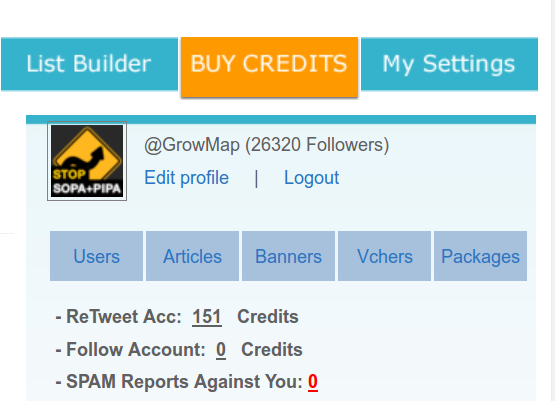
- On the top right side of the home page click Edit profile (see the images below).
- Fill in your profile information and click send. (You can see all the information the form asks for in the images below.
That will take you to the page you see below to fill out your profile:

After you click send you will see Your profile has been updated. Please confirm your Email below.
CONFIRM your email address by clicking on the blue [ Confirm your email ] link next to Your Email Address.

You will see Mail sent to the email you provided. Click the link in the mail to confirm your profile. Go find the email and click on the confirmation link. NOTE: You need to be logged in when you click that link!
You are now a free member of Easy Retweet. A good place to start is to do this:
Point at My Settings and select Free Credits.
That page explains how you earn credits that you can then
use to promote your own sites, blog posts and Twitter accounts.
The next thing you are most likely to want to do is to request retweets:
To request retweets, point at Retweets and select Add Retweets.
Click the bottom option that says Add Retweets. That opens a page where you can type in your retweet request. There are default values in most of the fields, but you can change them.
Remember when deciding how many Twitter followers to set as your minimum that someone who has few followers often has far more influence with them than someone who has many.
Whatever number you set that value to determines who can see your re-tweet request.
Gail recommends you set this number very low because the Twitter user with the perfect audience for what you’re sharing may only have a few followers – but they may be highly interested in what you’re sharing!
Wao! I’m impressed. This post is what new users need to start using easyRetweet. Thanks for making it straight to the point.